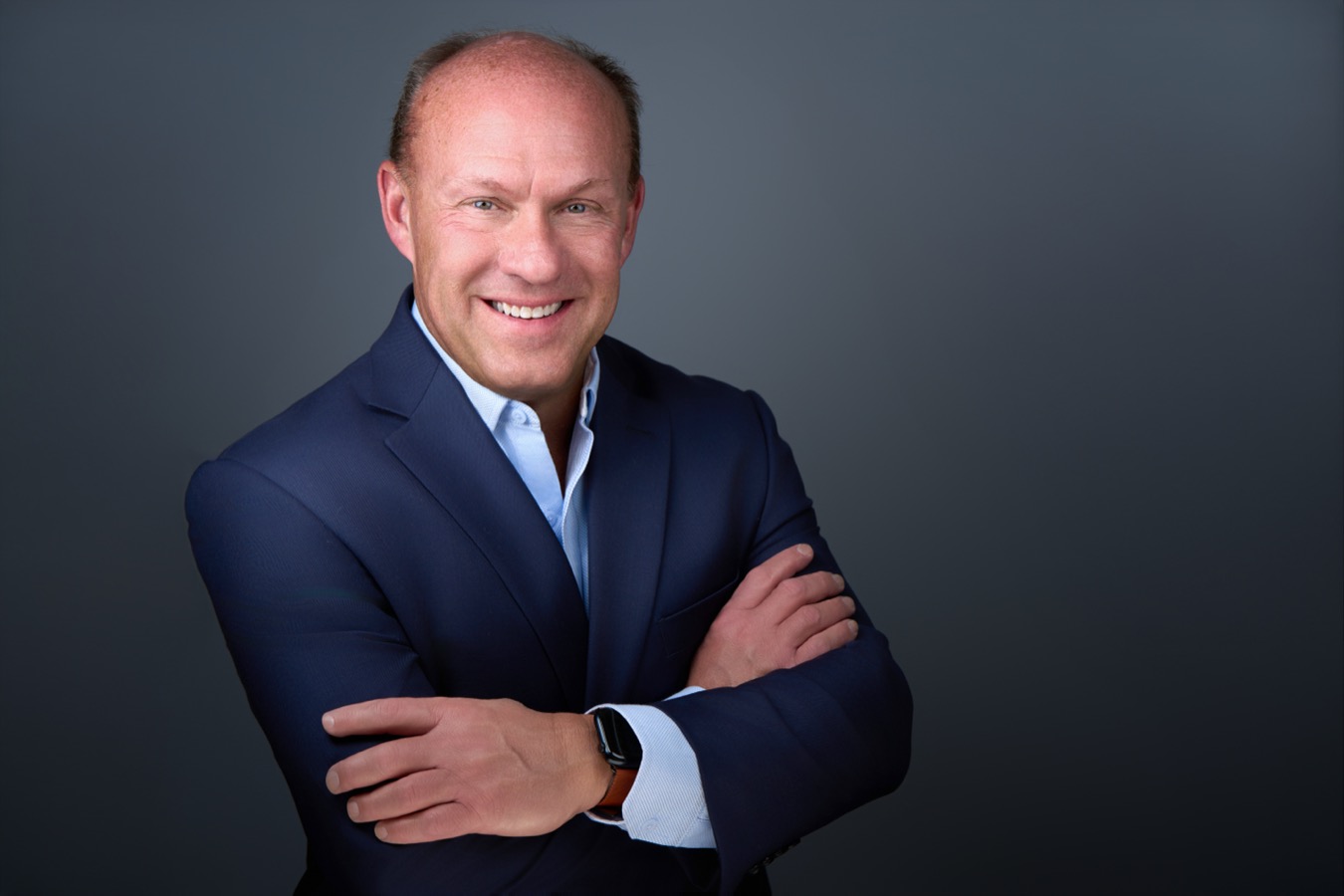
Your LinkedIn photo is often the first impression you make on a recruiter, a client or a new colleague, sometimes before you’ve met. It’s also shown very small: next to comments, in search results, in messages. A photo that works at that size needs a few specific things.
Make your face fill the frame
LinkedIn crops your photo into a circle. If the image is a wide shot, your face becomes a tiny dot. A headshot cropped from the shoulders up, with your face taking up most of the frame, stays recognizable even as a thumbnail. Upload a square, high-resolution version so LinkedIn doesn’t have to stretch it.
Expression: confident and approachable
On LinkedIn, people want to know two things: do you seem competent, and do you seem easy to work with? A relaxed face, eyes slightly narrowed rather than wide open, and a genuine smile that reaches the eyes send both messages. Read how to look confident and approachable in your headshot.
A simple background with contrast
A plain, softly lit background keeps the focus on you. Make sure there’s contrast between you and the background so you don’t blend in at small sizes. Avoid busy offices, cars and cropped vacation photos.
Look like you do today
If someone wouldn’t recognize you from your photo when they meet you, it’s time to update it. A new role, a new hairstyle or simply a few years are all good reasons. The goal is a photo that builds trust, and that starts with it being accurate.
Dress for your next meeting
Wear what you would wear to meet a new client in your field. See what to wear for your headshot.
Common mistakes
- Selfies taken at arm’s length, which distort the face.
- Group photos with other people cropped out.
- Sunglasses, hats or heavy shadows on the face.
- Low-resolution images that look blurry.
- A photo that’s many years out of date.
Use the same photo everywhere
Your LinkedIn photo, company bio, email signature and speaker profiles work best when they match. People start to recognize you across platforms, which is the point of a professional image. Every session delivers files prepared for LinkedIn, websites and print.
Beyond the photo
Your headshot gets people to stop; your profile keeps them reading. Pair it with a clear headline that says what you do, a background banner that fits your field, and an “About” section written in your own voice.
Frequently asked questions
Can I use the same headshot for LinkedIn and my company website?
Yes, and you should. Consistency helps people recognize you. If your company uses a specific background for its team page, use that version on LinkedIn too.
How often should I update my LinkedIn photo?
Whenever it no longer looks like you. Returning clients can book a refresh session whenever they need one.
Ready for a headshot that looks like you on your best day?
Every session includes expression coaching and professional retouching, in my studio in Indianapolis or at your office. See sessions and rates, or tell us what you need and we’ll help you plan it.